


Structured learning, key by key
Progressive courses to build a rigorous and lasting ten-finger typing method.

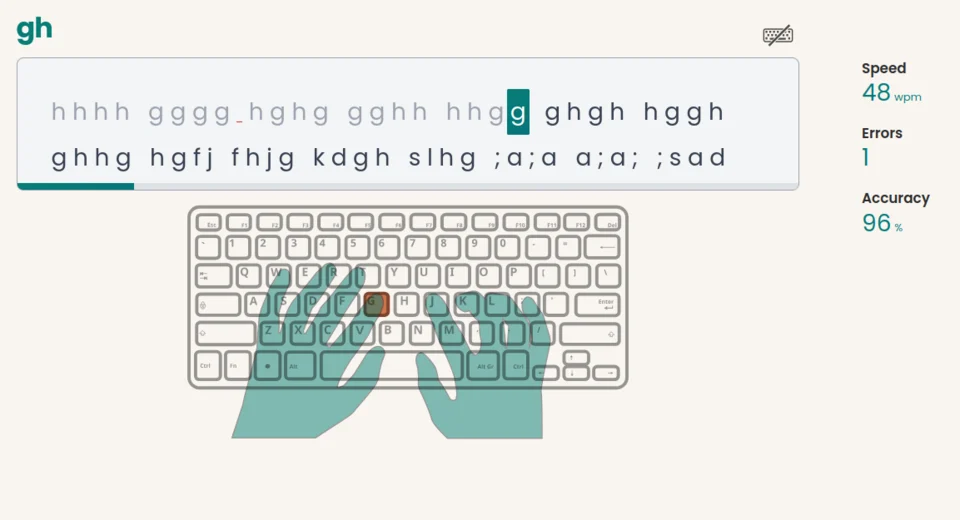
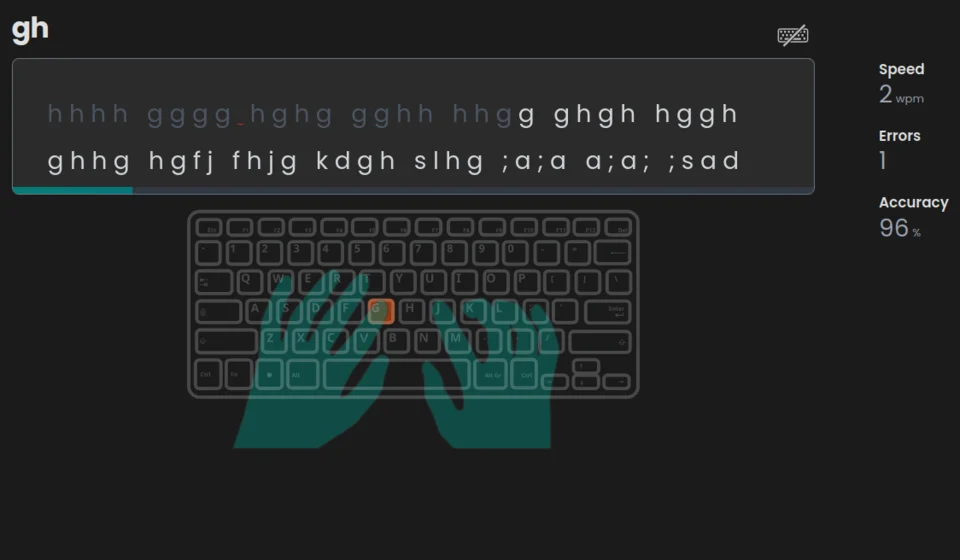
Build typing speed and accuracy with step-by-step QWERTY lessons and typing exercises. Start with 10 free lessons and 30 free exercises, or check your WPM with a typing speed test — no account needed for the test.
This curve shows typical typing speeds across users. It helps you compare your performance with the community and see whether you are in the average range or already near the top.
Tapotons is a typing platform designed to help you type faster and more accurately, with clear progress and simple stats to track.
Progressive courses to build a rigorous and lasting ten-finger typing method.
Varied exercises to improve typing speed and accuracy in realistic contexts.
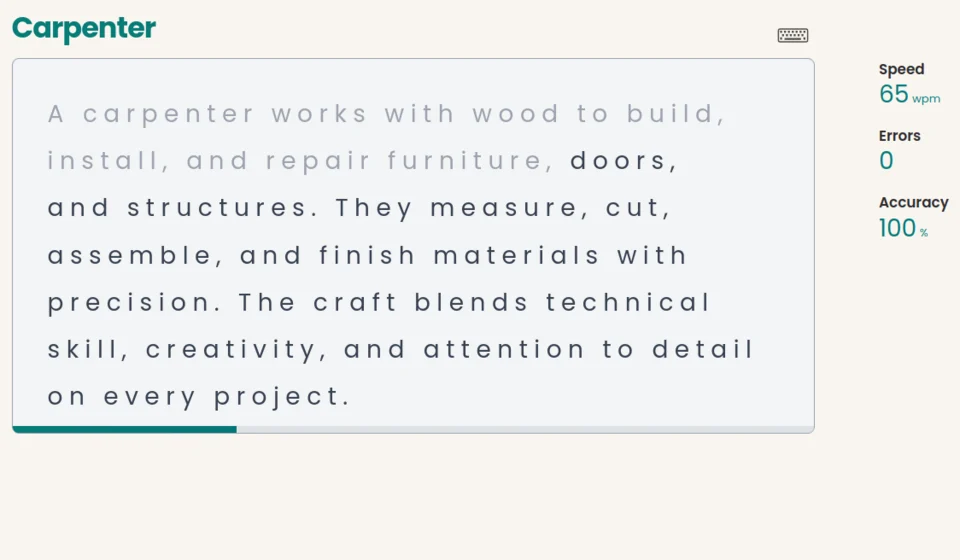
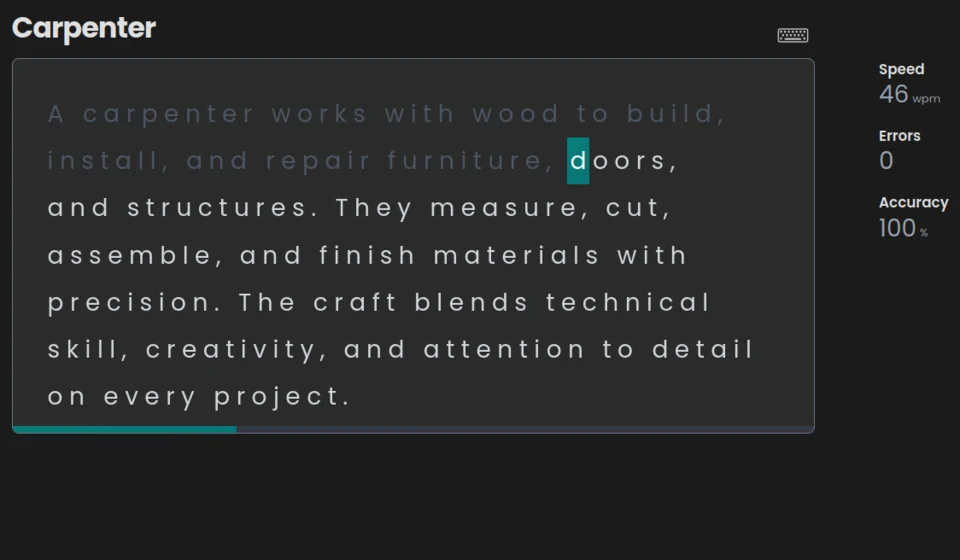
A Target your mistakes module that generates texts adapted to recurring difficulties with AI.
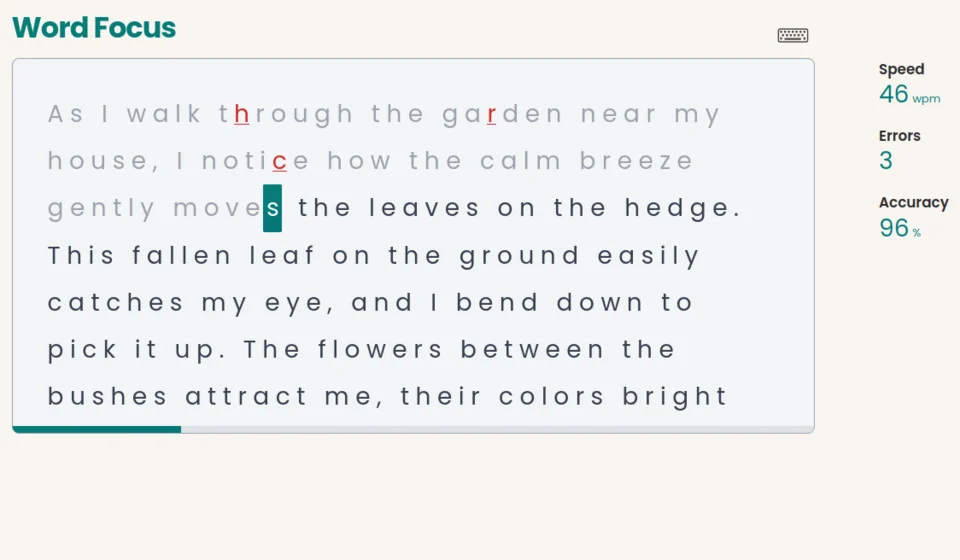
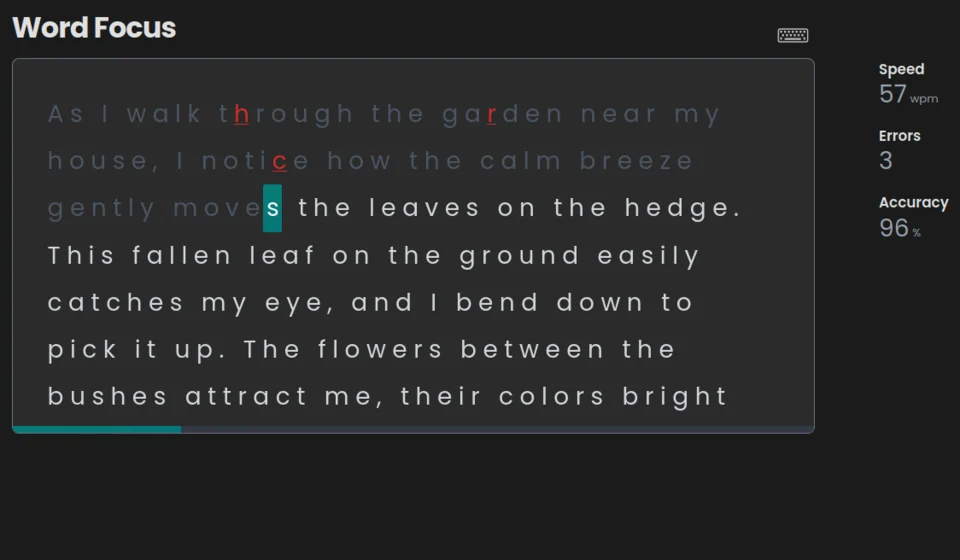
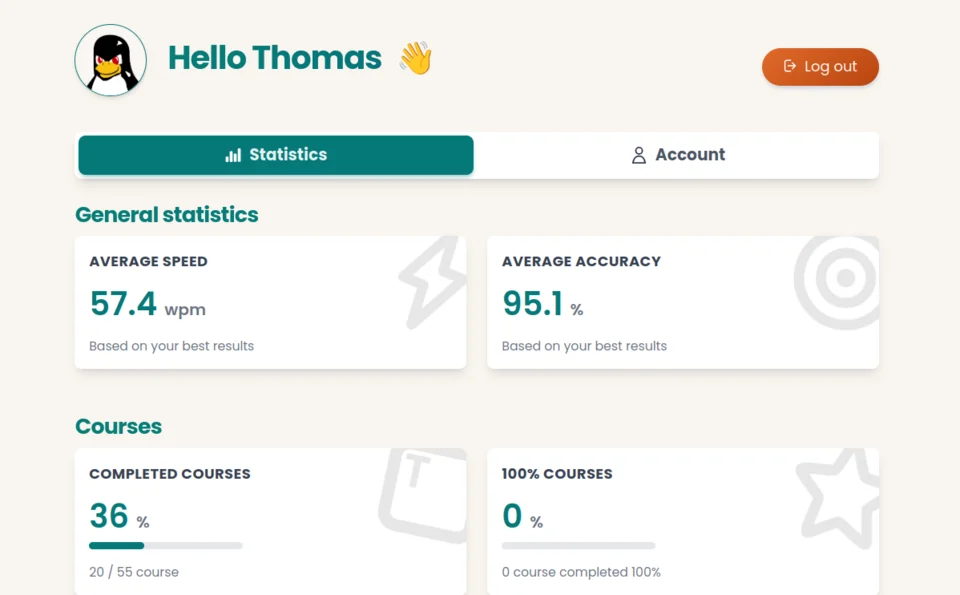
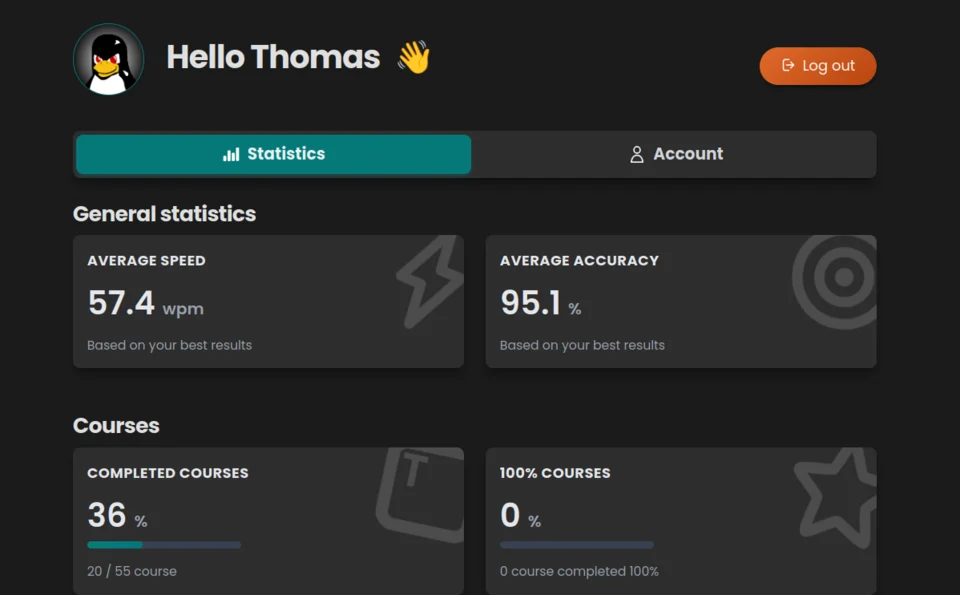
Access to progress stats: • Average speed (wpm) • Accuracy and completion rate • Frequent letters and errors
Start for free and unlock full content when you are ready.
 Access to the first 10 coursesAccess to the first 30 exercises
Create an account in seconds and start practicing for free.
Equivalent to $36 per year, billed once.
1-year commitment. Cancellation is possible at any time and takes effect at annual renewal.
Create an account to complete your subscription.
Access to 60+ coursesAccess to 80+ exercisesPersonalized exercises to target your mistakesAdvanced stat: "Accuracy by key"Recent articles about typing, methods, and industry updates.
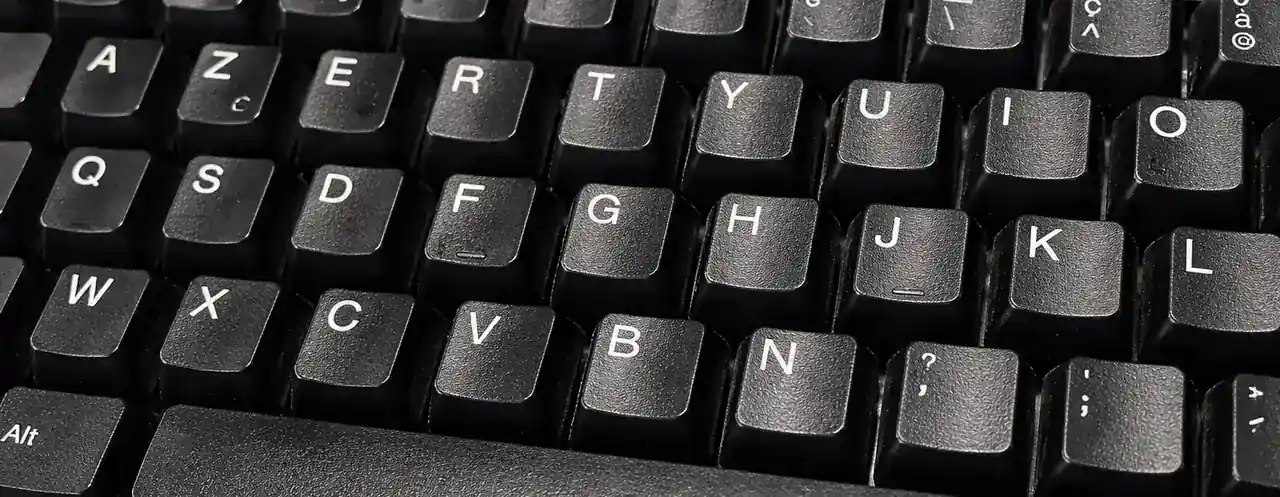
A practical selection of essential keyboard shortcuts to write, browse, and work faster every day, with more flow and less mouse use.

Is 35, 40, 50, or 60 WPM a good typing speed? Compare practical WPM benchmarks, understand accuracy, and take a free typing test to check your level.
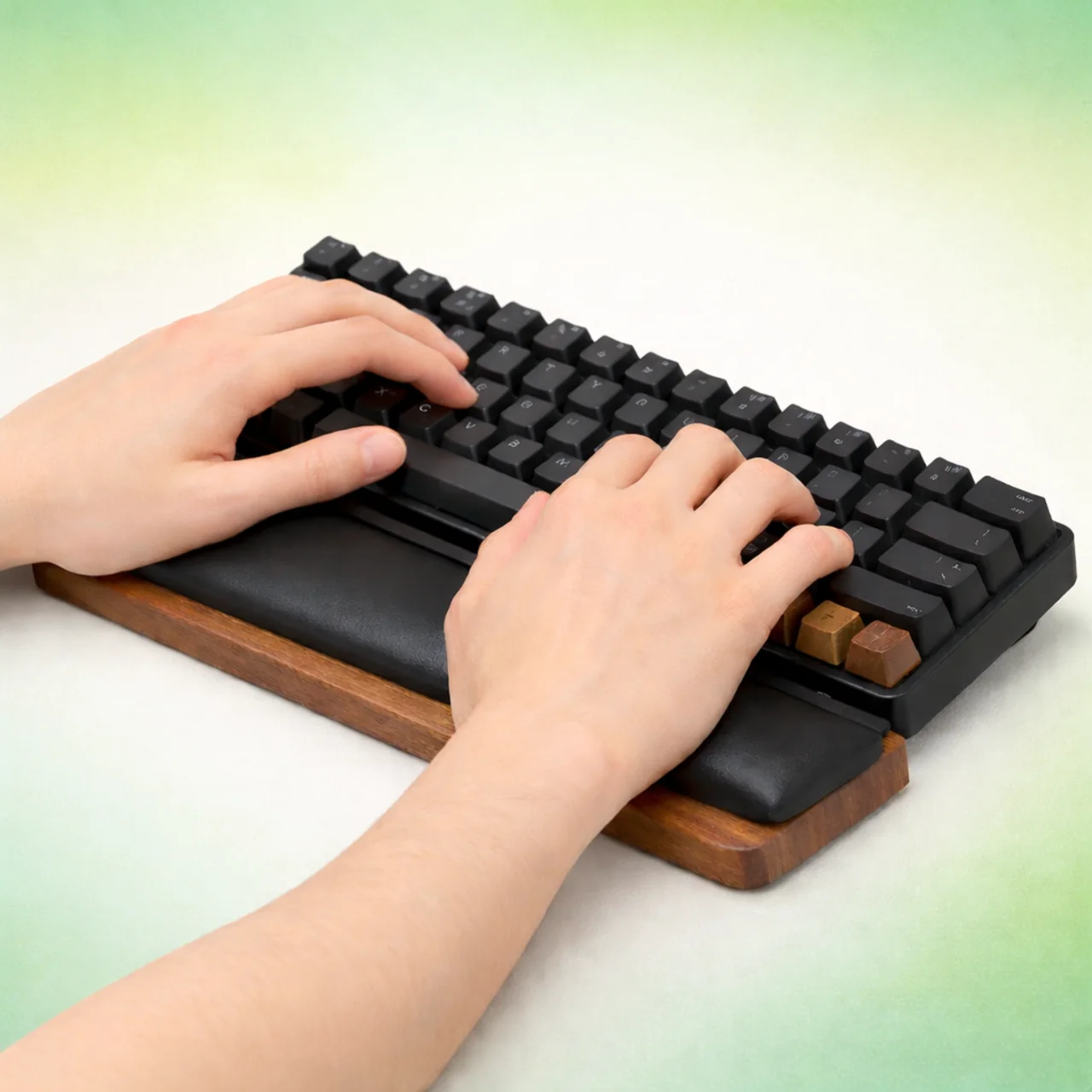
Adopt the right posture and setup to type faster without pain: desk height, chair, wrist alignment, hand position, and keyboard choice.
Key answers to understand how Tapotons works.
Tapotons is a typing platform that helps you type faster with fewer mistakes. The goal is to improve daily productivity with clear, trackable progress.
It is designed for students, developers, assistants, and anyone who spends time typing on a computer. If you type a lot, improving speed and accuracy saves real time.
Courses teach keys step by step (for example j, f, d, k), then exercises help you practice with varied texts. You progress at your own pace and track your results.
It generates AI-powered personalized texts based on your most frequent typing mistakes. It analyzes your latest typo patterns to create exercises focused on what slows you down.
Free access includes the first 10 courses and the first 30 exercises. You can start improving right away before upgrading.
Focus on accuracy first (around 95-98%), then build speed. Short daily sessions (about 10 minutes) are more effective than occasional long sessions. Slow down on recurring mistakes, then repeat the correct pattern.
It depends on your starting point, but aim for steady WPM gains while keeping high accuracy. Consistency matters more than occasional peaks with many errors. Use speed tests and stats to track progress.
Early gains (fewer errors, more comfort) can appear within days with regular practice. More visible WPM improvements usually take several weeks. The key is frequent, focused sessions and repetition on difficult keys.


